
Artwork guide · fibre laser
Mark layout and positioning
Serials and controlled data
Preparing Artwork for Fibre Laser Marking
How to prepare logos, identifiers, codes and variable data for marking compatible surfaces.
Send Your Files Request a Quote
Explanatory artwork illustration
Explanatory artwork illustration
Production-ready artwork
Make the artwork, item and intended result clear.
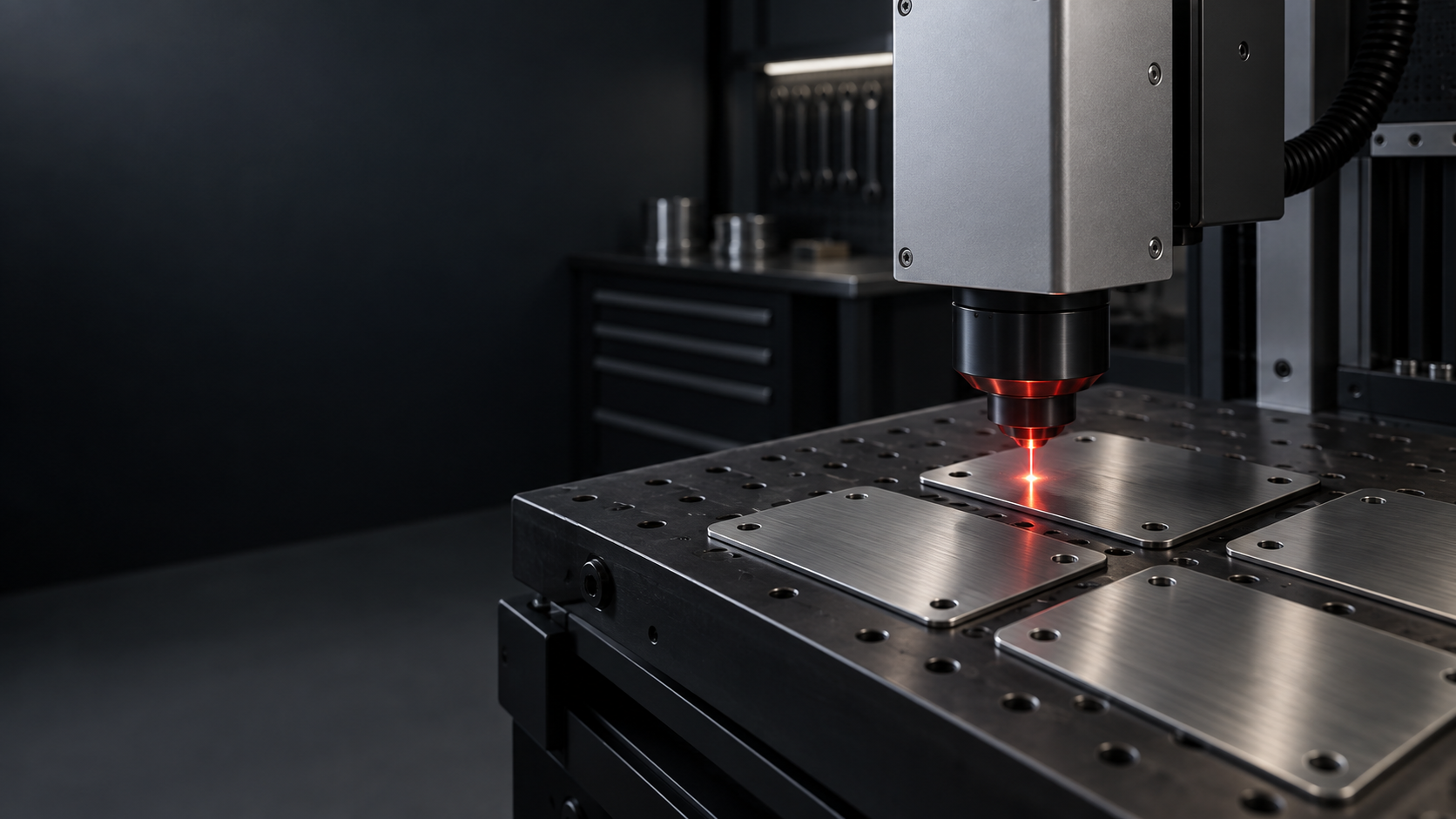
Fibre laser marking adds text, logos, serial numbers and codes to suitable metal surfaces. The material and finish determine whether surface marking, engraving or a coating change best suits the requirement.
- Logo / Surface Mark
- Serialisation
- QR / Data Matrix
Conceptual effects only; not every effect is available on every material.
Finished static diagram.
Understand the process
Surface Marking
Surface marking changes the appearance of a compatible metal surface without an obvious deep recess. The required contrast and finish are reviewed on the actual substrate; a mark on one grade or finish does not predict the result on every metal.
Understand the process
Engraving
Engraving removes material to create a recessed mark. State any required depth, legibility or appearance so GT Laser can assess the component and agree the result. Very fine text and narrow details may not reproduce clearly at the requested size.
Understand the process
Coating / Anodised-Layer Marking
The laser selectively changes or removes a surface treatment to produce contrast. The result depends on the substrate, grade, coating, finish and intended effect. Provide a material reference or representative sample when the appearance is critical.
Artwork and position
Define the mark at 1:1 scale.
AI, SVG, DXF and PDF are useful starting points. Show the mark in its intended size and position, referencing component edges, holes or another reliable datum. Convert fixed fonts to outlines and remove duplicates and hidden objects.
Outlines and fills
Use closed shapes for filled areas.
Supply clean vectors for outlines and closed shapes where a solid mark is intended. GT Laser creates the production hatch or fill strategy after reviewing the required appearance and material.
Mark requirement
Define the appearance and use of the mark.
State the required content, legibility, contrast or depth where relevant, and the environment in which the component will be used. Include an approved visual reference when a particular appearance matters.
Material and supplied parts
Identify the actual component and finish.
Provide the material type and grade where known, surface finish, coating, dimensions, available marking area and quantity. Customer-supplied parts require suitability review, and a sample, test piece or spare may be requested.
Variable data and codes
Use one controlled record per item.
For serial numbers, asset IDs, names, QR codes or Data Matrix, supply an Excel or CSV table with one row per unique item where practical. Include source data, vector code artwork or a structured table—not a screenshot of a code—and identify duplicate-copy rules.
Understand the process
Artwork Problems to Remove Before Marking
Duplicate or overlapping vectors can cause repeated marking. Open shapes intended as solid areas can produce unexpected hatch or fill results. Use a clean vector logo; blurred screenshots are poor sources for fine marks or QR and Data Matrix codes. Send the source data, a vector code or a structured spreadsheet. Provide dimensions and reliable datums where position is critical.
Understand the process
Fine Text, Codes and Small Features
Check the artwork at the intended finished size. Fine strokes, small characters and tight code modules can lose clarity on the actual finish. Preserve the code quiet zone and state the intended scanning distance. A representative sample is useful when small detail or code readability is critical.
Before you send
Final artwork checklist
- Mark size and position are dimensioned from a reliable datum.
- Material, grade and finish are stated where known.
- Fixed text is outlined and filled shapes are closed.
- Variable data contains one clear record per item.
- Required appearance, legibility and use are described.
Your artwork does not need to be perfect. Send the best original files and a clear description; GT Laser will identify production issues before undertaking any separately chargeable artwork work.
Practical guidance
Questions about this artwork route
Vector artwork is preferred for cut paths, technical geometry, logos, fine marking and scalable text. High-quality raster artwork can still be suitable for photographs, tonal engraving or UV printing. Send the best original file available.
Convert fixed text to outlines or curves where practical. This preserves the intended letter shapes when the original font is unavailable. Text intended to change through variable data should remain identified as a controlled field.
DXF is accepted by the current upload route and is useful for controlled geometry. DWG is not accepted by the online uploader, so contact GT Laser before submission if DWG is the only source. Include dimensions, material, quantity and marking position.
Use Excel or CSV with one row per unique item where practical. Identify the total quantity, duplicate-copy rules, selected ranges, site groups and the human-readable fields that must accompany each code.
Ready to share the requirement?
Send the best original artwork available together with the item, material, dimensions, quantity and intended result.